Higiēnisko noteikumu kopums, kas reglamentē ikviena cilvēka izturēšanos darbā, mājās un sabiedriskās vietās.


Higiēnisko noteikumu kopums, kas reglamentē ikviena cilvēka izturēšanos darbā, mājās un sabiedriskās vietās.
Video apmācību sērija darbiniekiem produktivitātes un labbūtības uzlabošanai ietver gan risinājumus krīzes situācijām (izdegšana), gan arī preventīvas aktivitātes, lai neko tādu nenāktos piedzīvot.
Viegli izpildāmi un praktiski noderīgi vingrinājumu ar īsu ieskatu to teorētiskajā pamatojumā. Savukārt tiem, kuriem gribas lielākus izaicinājumus un līdz ar to, arī vairāk iegūt, būs pieejami komplicētāki uzdevumi.
Apmācību sērijā apskatītās tēmas būs noderīgas gan darba vides, gan personiskās dzīves labbūtības uzlabošanai.
Video apmācību sērija darbiniekiem produktivitātes un labbūtības uzlabošanai ietver gan risinājumus krīzes situācijām (izdegšana), gan arī preventīvas aktivitātes, lai neko tādu nenāktos piedzīvot.
Viegli izpildāmi un praktiski noderīgi vingrinājumu ar īsu ieskatu to teorētiskajā pamatojumā. Savukārt tiem, kuriem gribas lielākus izaicinājumus un līdz ar to, arī vairāk iegūt, būs pieejami komplicētāki uzdevumi.
Apmācību sērijā apskatītās tēmas būs noderīgas gan darba vides, gan personiskās dzīves labbūtības uzlabošanai.
Video apmācību sērija darbiniekiem produktivitātes un labbūtības uzlabošanai ietver gan risinājumus krīzes situācijām (izdegšana), gan arī preventīvas aktivitātes, lai neko tādu nenāktos piedzīvot.
Viegli izpildāmi un praktiski noderīgi vingrinājumu ar īsu ieskatu to teorētiskajā pamatojumā. Savukārt tiem, kuriem gribas lielākus izaicinājumus un līdz ar to, arī vairāk iegūt, būs pieejami komplicētāki uzdevumi.
Apmācību sērijā apskatītās tēmas būs noderīgas gan darba vides, gan personiskās dzīves labbūtības uzlabošanai.

Video apmācību sērija darbiniekiem produktivitātes un labbūtības uzlabošanai ietver gan risinājumus krīzes situācijām (izdegšana), gan arī preventīvas aktivitātes, lai neko tādu nenāktos piedzīvot.
Viegli izpildāmi un praktiski noderīgi vingrinājumu ar īsu ieskatu to teorētiskajā pamatojumā. Savukārt tiem, kuriem gribas lielākus izaicinājumus un līdz ar to, arī vairāk iegūt, būs pieejami komplicētāki uzdevumi.
Apmācību sērijā apskatītās tēmas būs noderīgas gan darba vides, gan personiskās dzīves labbūtības uzlabošanai.

Izmēģini kā ar vienkāršiem, bet efektīviem vingrojumiem var uzlabot savu pašsajūtu un justies daudz labāk!
Vingrojumi ir izpildāmi ikdienā darba vietā, lai relaksētu un izstaipītu kakla, roku, kāju locītavu un muguras muskuļus, kā arī mazināt ķermeņa saspringumu.
Izpildot vingrojumus darba vietā:
Spēka vingrojumi ir izpildāmi vieglā apģērbā un ar vingrošanas paklājiņu.

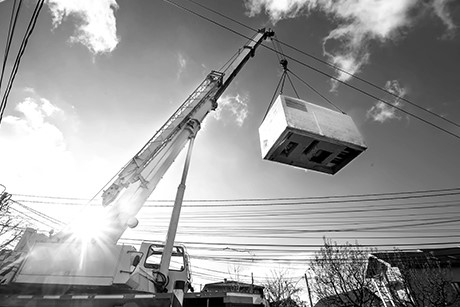
Apgūt teorētiskās zināšanas par automobiļa celtņa pareizu ekspluatāciju, tā darbības principiem un darba drošības noteikumu ievērošanu darbā ar automobiļa celtni.
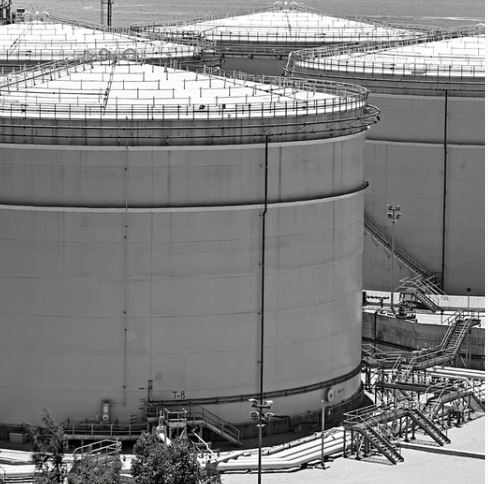
Ministru kabineta noteikumi Nr.384 „Bīstamu vielu uzglabāšanas rezervuāru tehniskās uzraudzības kārtība” nosaka, ka bīstamu vielu uzglabāšanas rezervuāra apkalpošanai jābūt, norīkotam speciālistam, kas ir atbildīgs par rezervuāra tehnisko stāvokli, tā drošu lietošanu, apkopi, remontu un rekonstrukciju.
Programmas mērķis: Sniegt zināšanas par normatīvajiem aktiem un drošām darba metodēm, veicot bīstamu vielu uzglabāšanas rezervuāru tehniskās uzraudzības kārtību
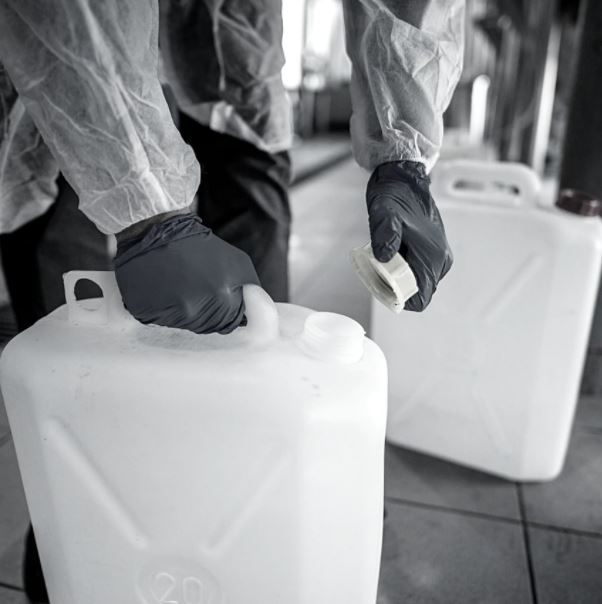
Ministru kabineta noteikumi Nr. 325 “Darba aizsardzības prasības saskarē ar ķīmiskajām vielām darba vietās” 45.punkts nosaka Darba devējam nodrošināt nodarbinātajiem un viņu uzticības personām darba specifikai atbilstošu apmācību un nepieciešamo informāciju par attiecīgajiem darba aizsardzības pasākumiem, lai katrs nodarbinātais darba vietā prastu aizsargāt sevi un citus nodarbinātos no ķīmisko vielu kaitīgās ietekmes.
Programmas mērķis: Sniegt zināšanas par normatīvajiem aktiem un drošām darba metodēm strādājot ar ķīmiskās vielām.
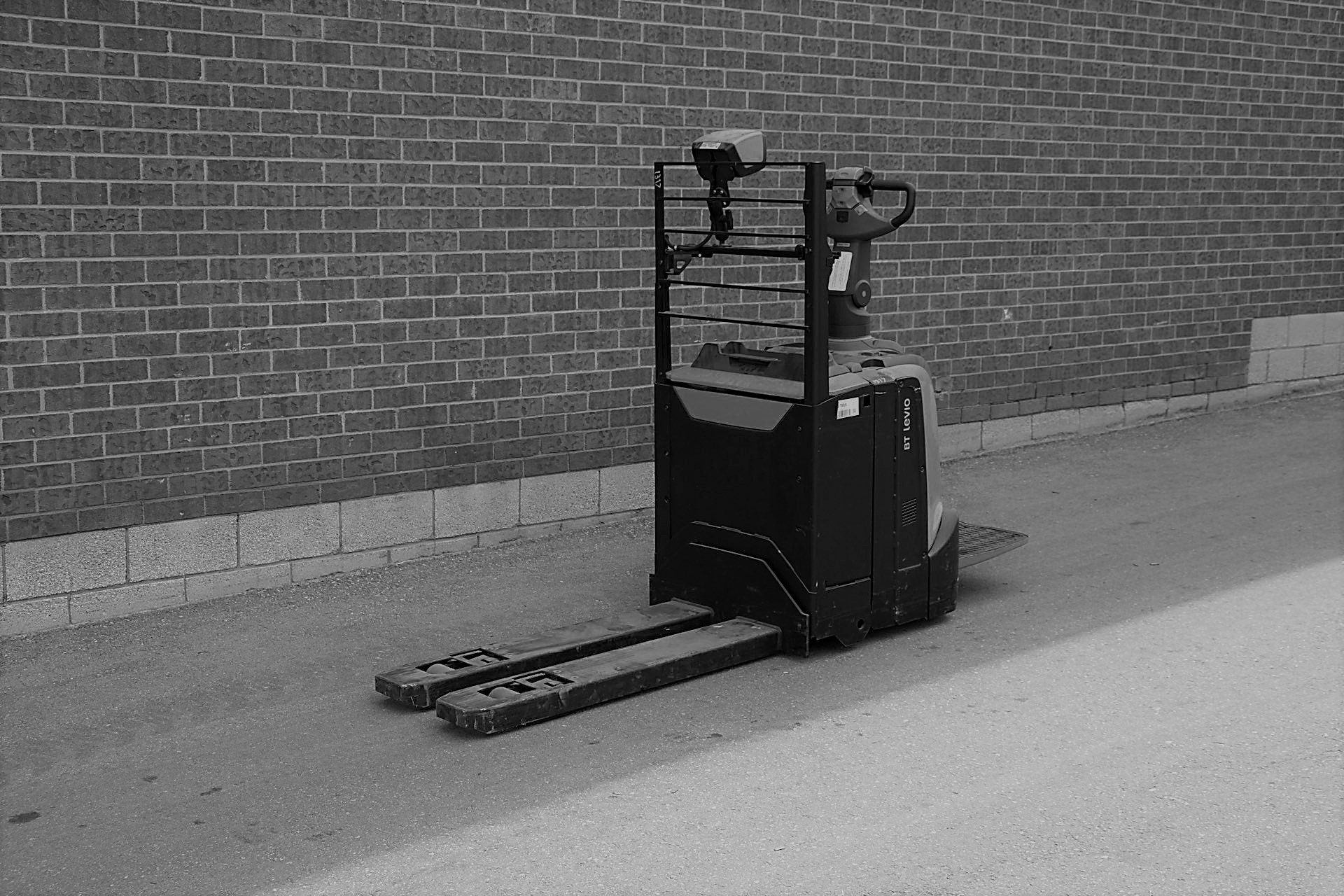
Ministru kabineta noteikumi Nr.526 “Darba aizsardzības prasības, lietojot darba aprīkojumu” 44. punkts paredz, ka pašgājējmašīnas atļauts vadīt tikai attiecīgi apmācītiem nodarbinātajiem.
Programmas mērķis: Sniegt zināšanas par normatīvajiem aktiem un drošām darba metodēm, vadot elektriskos palešu ratiņus dažāda darba specifikās.
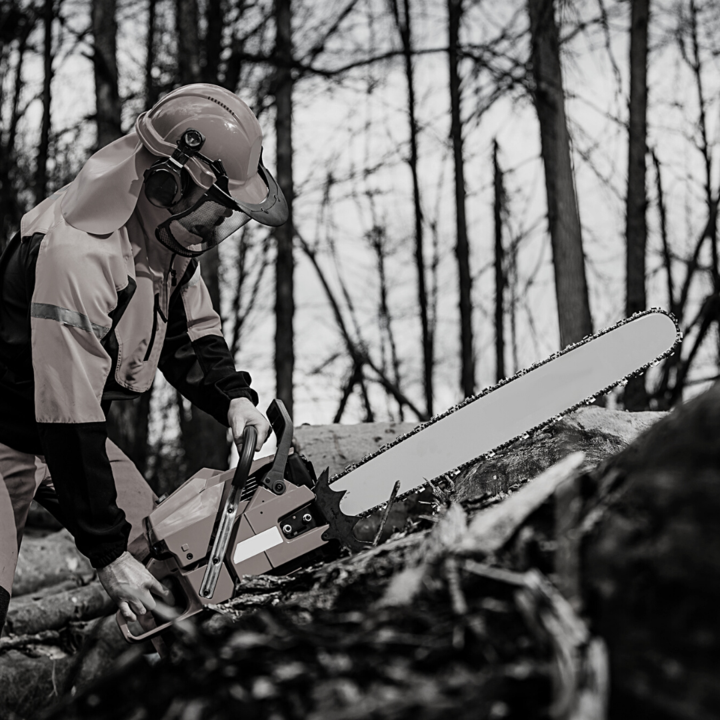
Ministru kabineta noteikumi Nr. 310 “Darba aizsardzības prasības mežsaimniecībā” 2. un 3. punkts nosaka, ka motorinstrumentus (krūmgriezi vai motorzāģi) atļauts lietot personai, kura apguvusi attiecīgu mācību kursu vai ieguvusi atbilstošu kvalifikāciju.
Programmas mērķis: Sniegt zināšanas par normatīvajiem aktiem un drošām darba metodēm, veicot darbus ar krūmgriezi vai motorzāģi.
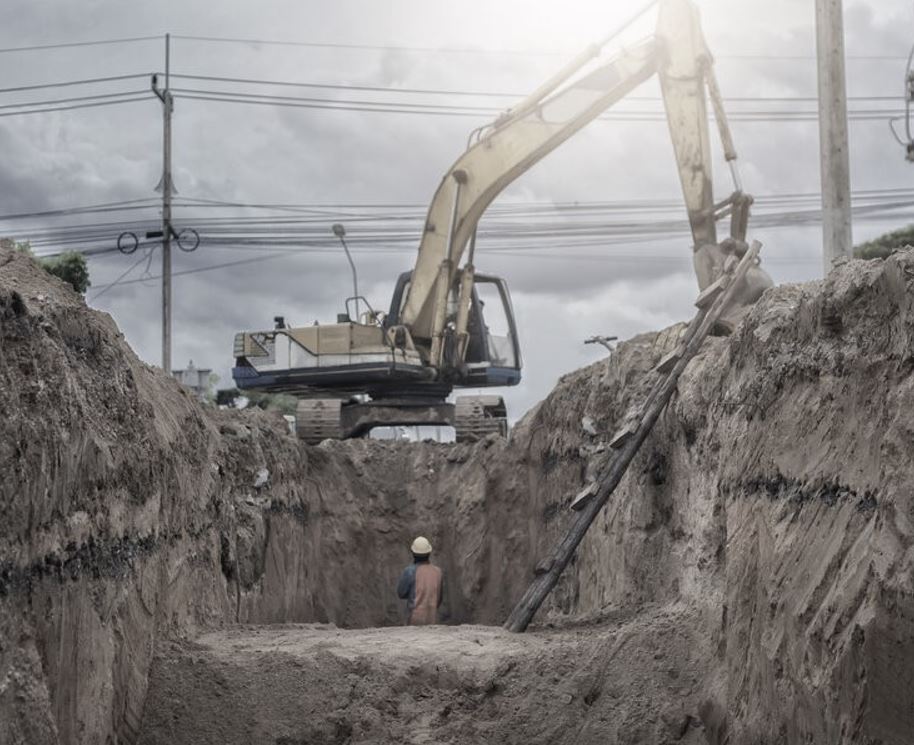
Balstoties uz Ministru kabineta noteikumiem Nr. 92 ’’Darba aizsardzības prasības, veicot būvdarbus’’ Strādājot tranšejās tiek noteikti atbilstoši darba aizsardzības pasākumi, kuru galvenais uzdevums ir pasargāt nodarbinātos no apbēršanas vai iesprostošanas. Darba devējs nodrošina nodarbināto apmācību darba aizsardzības jautājumos, izvēloties tādu apmācības veidu, kas atbilst nodarbinātā profesionālajai sagatavotībai, ņemot vērā nodarbinātā izglītību, iepriekšējo apmācību, darba pieredzi un spējas, kā arī uzņēmuma specifiku.
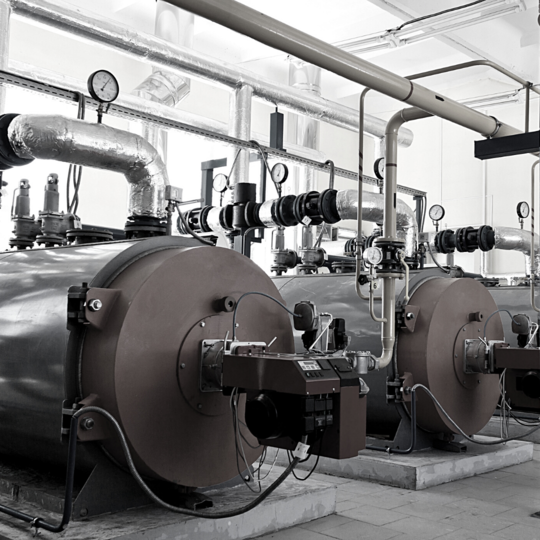
Ministru kabineta noteikumi Nr.138 „Noteikumi par katliekārtu tehnisko uzraudzību” 17.3. punkts nosaka, ka apkalpojošā personāla kvalifikācijai jāatbilst noteiktajām prasībām.
Programmas mērķis: Sniegt zināšanas par normatīvajiem aktiem un drošām darba metodēm, veicot katliekārtu ekspluatāciju.
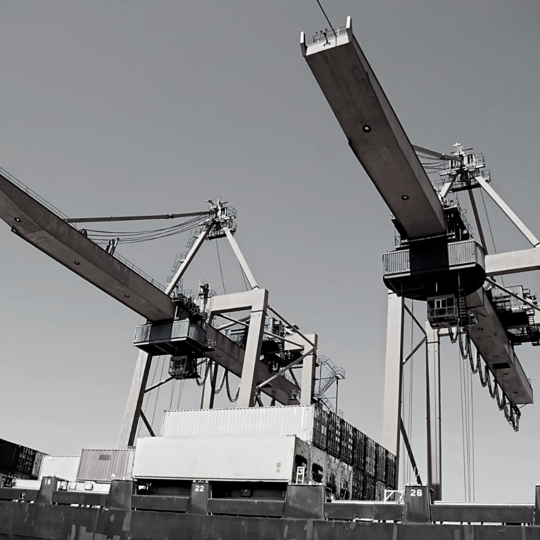
Ministru kabineta noteikumi Nr.113 „Kravas celtņu tehniskās uzraudzības kārtība” 19. punkts nosaka kravas celtņa valdītājam nodrošināt, ka kravas celtni lieto un vada persona, kas apmācīta par attiecīgās konstrukcijas kravas celtņu drošu lietošanu, ievērojot arī konkrētā kravas celtņa ražotāja norādījumus un lietošanas dokumentāciju.
Programmas mērķis: Sniegt zināšanas par normatīvajiem aktiem un drošām darba metodēm, izmantojot kravas celtņus.
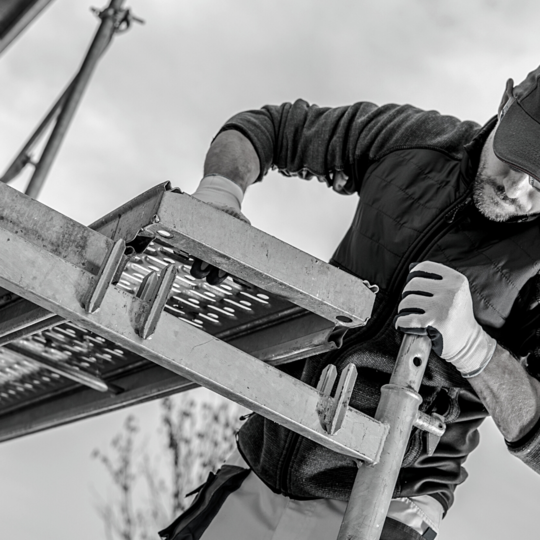
Ja darbu augstumā paredzēts veikt, izmantojot sastatnes, Ministru kabineta noteikumi Nr.143 "Darba aizsardzības prasības, strādājot augstumā” 89.punkts paredz, ka darba devējs normatīvajos aktos noteiktajā kārtībā nodrošina nodarbināto apmācību un instruēšanu jautājumos, kas saistīti ar viņu darbu, drošām darba metodēm un darba procesā lietojamiem aizsardzības līdzekļiem un darba aprīkojumu veicot darbu augstumā.
Programmas mērķis: Sniegt zināšanas par normatīvajiem aktiem un drošām darba metodēm, veicot darbu augstumā pie sastatņu montāžas, demontāžas un lietošanas.
Ministru kabineta noteikumi nosaka, ka darba devējam ir jānodrošina atbilstoša personāla apmācības darba aizsardzības jautājumos veicot stropēšanas darbus.
Programmas mērķis: Sniegt zināšanas par normatīvajiem aktiem un drošām darba metodēm veicot stropēšanas darbus.

Ministru kabineta noteikumi Nr.526 “Darba aizsardzības prasības, lietojot darba aprīkojumu” 44. punkts paredz, ka pašgājējmašīnas atļauts vadīt tikai attiecīgi apmācītiem nodarbinātajiem.
Programmas mērķis: Sniegt zināšanas par normatīvajiem aktiem un drošām darba metodēm, vadot autoiekrāvēju dažāda darba specifikās.

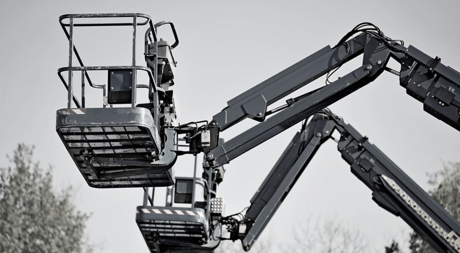
Ministru kabineta noteikumi Nr.137 „Cilvēku celšanai paredzēto pacēlāju tehniskās uzraudzības kārtība” 17. punkts nosaka pacēlāja valdītājam nodrošināt, ka pacēlāju lieto un vada pacēlāja operatori, kas attiecīgi apmācīti un apguvuši attiecīgās konstrukcijas drošu lietošanu, ievērojot arī konkrētā pacēlāja ražotāja norādījumus, un attiecīgā apmācība ir dokumentāli apliecināta.
Programmas mērķis: Sniegt zināšanas par normatīvajiem aktiem un drošām darba metodēm, ekspluatējot dažāda veida cilvēku celšanai paredzētos pacēlājus.
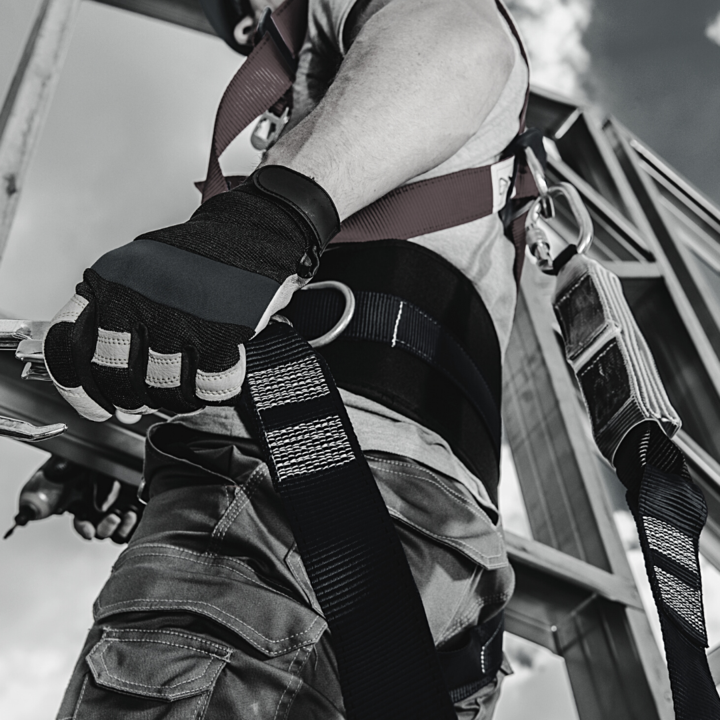
Strādājot vietās, kas atrodas vismaz 1,5 m augstumā no zemes vai jebkuras citas drošas virsmas, tai skaitā darbs pazemē, kur ir iespējams kritiens, Ministru kabineta noteikumi Nr.143 "Darba aizsardzības prasības, strādājot augstumā” 89.punkts paredz, ka darba devējs normatīvajos aktos noteiktajā kārtībā nodrošina nodarbināto apmācību un instruēšanu jautājumos, kas saistīti ar viņu darbu, drošām darba metodēm un darba procesā lietojamiem aizsardzības līdzekļiem un darba aprīkojumu.
Programmas mērķis: Sniegt zināšanas par normatīvajiem aktiem un drošām darba metodēm, veicot darbu augstumā un pazemē dažāda veida specifikās.
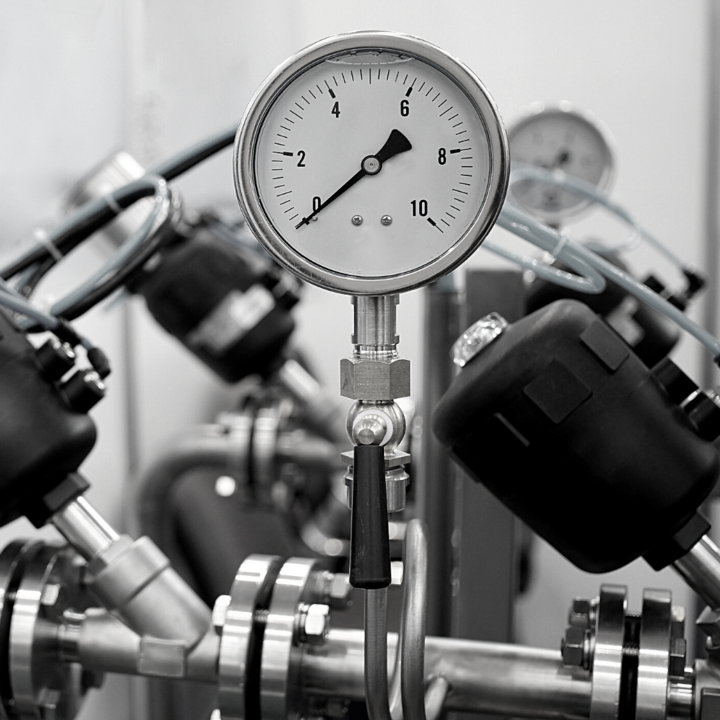
Ministru kabineta noteikumi Nr.518 „Spiedieniekārtu kompleksu tehniskās uzraudzības kārtība” 13.2. punkts nosaka, ka spiedieniekārtu kompleksa valdītāja pienākums ir norīkot atbilstošas kvalifikācijas speciālistu, kas ir atbildīgs par spiedieniekārtu kompleksa tehnisko stāvokli, tā drošu lietošanu un apkopi.
Programmas mērķis: Sniegt zināšanas par normatīvajiem aktiem un drošām darba metodēm, veicot spiedieniekārtu kompleksa tehniskā stāvokļa nodrošināšanu, lietošanu un apkopi.
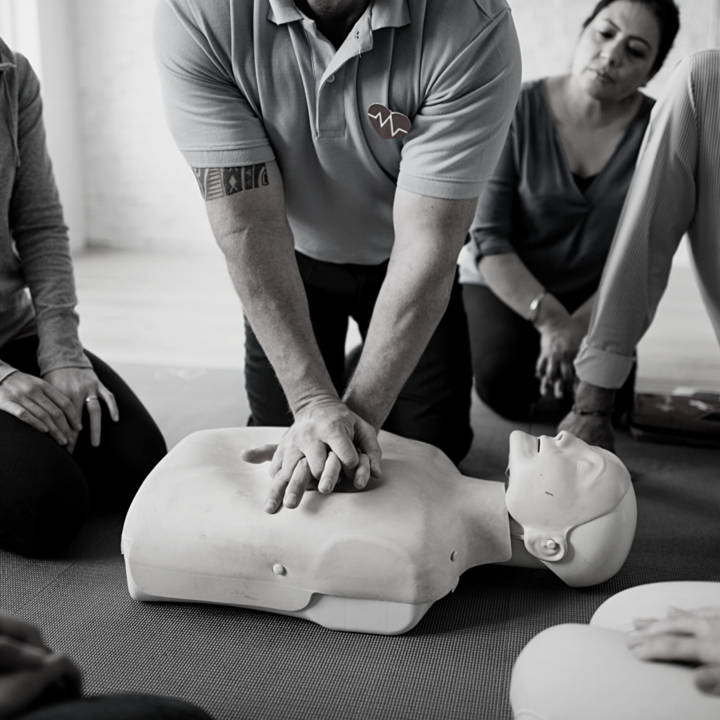
Sniegt pamatzināšanas par pirmās palīdzības sniegšanu cietušajiem kritiskos apstākļos – praktiskas iemaņas tās nodrošināšanā un rīcības secība.
Ministru kabineta noteikumi Nr.749 "Apmācības kārtība darba aizsardzības jautājumos" paredz specializētu 40 stundu apjoma apmācību programmu, kas jāiziet darba aizsardzības speciālistiem, kas saistīti ar bīstamiem komercdarbības veidiem, kuri norādīti Ministru kabineta noteikumos Nr.99 „Noteikumi par komercdarbības veidiem, kuros darba devējs iesaista kompetentu institūciju”.
Programmas mērķis: Sniegt specifiskas zināšanas par darba vides riska faktoriem un citiem ar darba aizsardzību saistītiem jautājumiem būvniecības, ieguves rūpniecības un karjeru izstrādes nozarē.

Programmas mērķis: Sagatavot speciālistus, kas spēs organizēt un kontrolēt darba aizsardzības pasākumus un veikt darba vides iekšējo uzraudzību.

Izglītības procesa rezultātā veidot izpratni un prasmes civilās aizsardzības jautājumu risināšanā personām, kas ir atbildīgas par civilās aizsardzības nodrošināšanu objektos un personām, kas nodrošina izglītojošo darbību civilās aizsardzības jomā, veidojot viņu profesionālās kompetences, lai šīs personas spētu vadīt un organizēt civilās aizsardzības nodrošināšanai nepieciešamos pasākumus objektos, tai skaitā veikt izglītojošo darbu civilās aizsardzības un drošības jautājumos
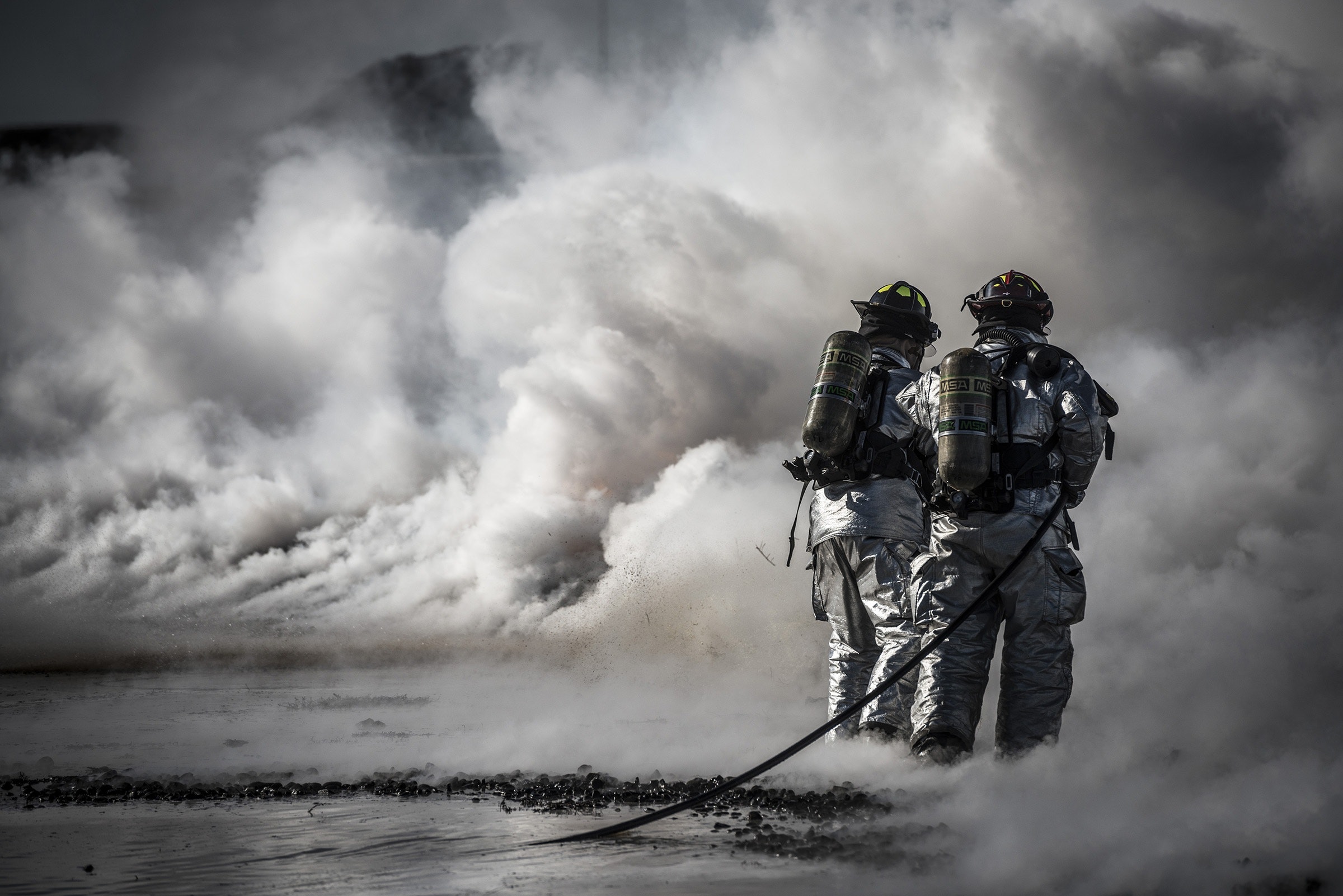
Ministru kabineta noteikumi Nr.238 “Ugunsdrošības noteikumi” paredz, ka tiesības izstrādāt ugunsdrošības instrukciju, veikt ugunsdrošības instruktāžu, praktiskās nodarbības, ugunsdzēsības hidrantu un iekšējā ugunsdzēsības ūdensvada pārbaudi ir personai, kura ir ieguvusi profesionālo izglītību ugunsdrošībā vai saņēmusi apmācību ugunsdrošības jomā:
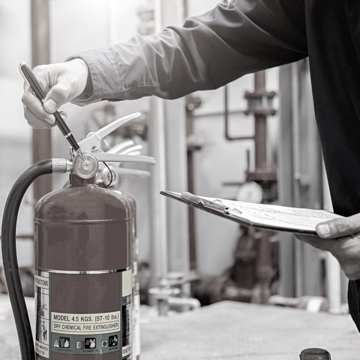
Saskaņā ar MK noteikumiem Nr. 238 “Ugunsdrošības noteikumi” (stājas spēkā 01.09.2016.) kuros noteikts, ka tiesības izstrādāt ugunsdrošības instrukciju, veikt ugunsdrošības instruktāžu, praktiskās nodarbības, ugunsdzēsības hidrantu un iekšējā ugunsdzēsības ūdensvada pārbaudi ir personai, kura ir ieguvusi profesionālo izglītību ugunsdrošībā vai saņēmusi apmācību ugunsdrošības jomā:
Saimnieciskās darbības objektam un publiskam objektam, kurā var atrasties vairāk par 50 cilvēkiem, kā arī paaugstinātas bīstamības saimnieciskās darbības objektam – atbilstoši Izglītības un zinātnes ministrijas licencētai profesionālās izglītības programmai (ne mazāk par 160 stundām).
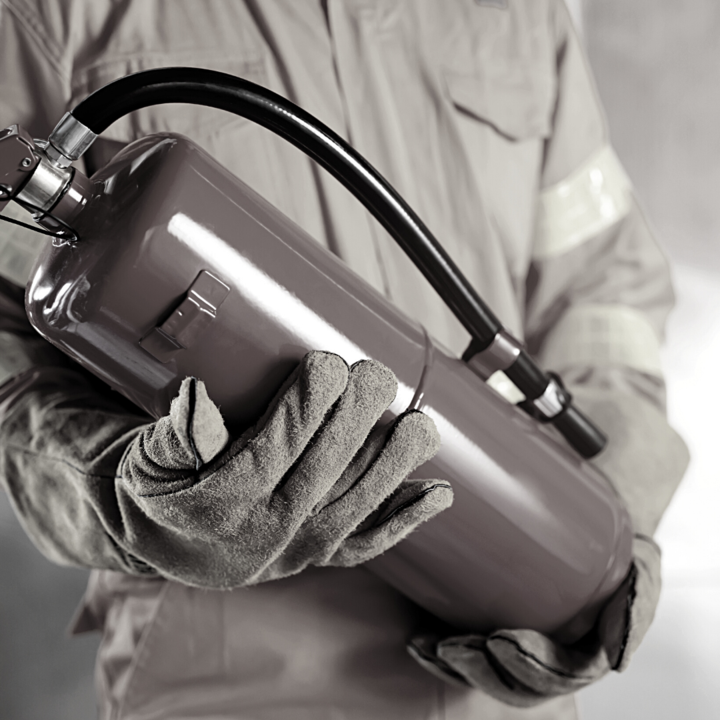
Elektrodrošības grupu (A, Bz, B, Cz, C) apmācība, zināšanu pārbaude un atbilstošu drošības grupu piešķiršana (pamatojoties uz MK not. Nr. 1041) tiek veikta sadarbībā ar akreditētu profesionālās tālākizglītības un profesionālās pilnveides izglītības iestādi "Mācību centrs MAGNUM".
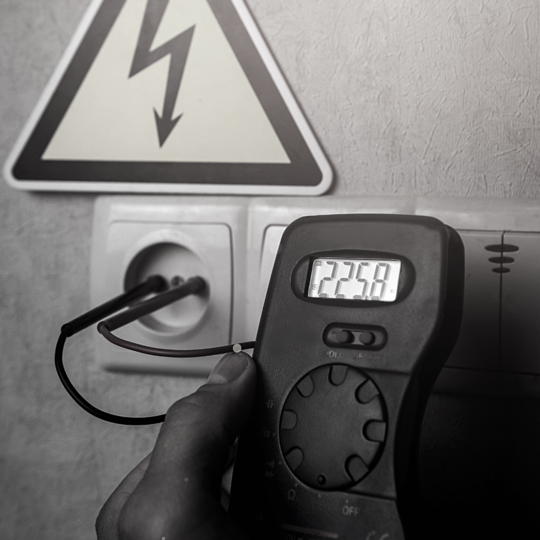
Elektrodrošības grupu (A, Bz, B, Cz, C) apmācība, zināšanu pārbaude un atbilstošu drošības grupu piešķiršana (pamatojoties uz MK not. Nr. 1041) tiek veikta sadarbībā ar akreditētu profesionālās tālākizglītības un profesionālās pilnveides izglītības iestādi "Mācību centrs MAGNUM".
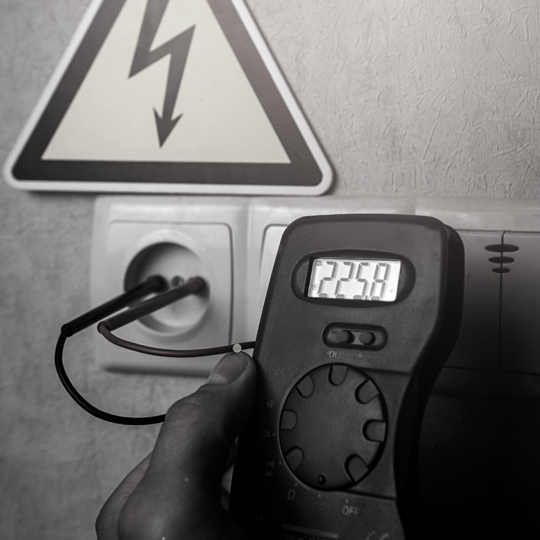
Elektrodrošības grupu (A, Bz, B, Cz, C) apmācība, zināšanu pārbaude un atbilstošu drošības grupu piešķiršana (pamatojoties uz MK not. Nr. 1041) tiek veikta sadarbībā ar akreditētu profesionālās tālākizglītības un profesionālās pilnveides izglītības iestādi "Mācību centrs MAGNUM".
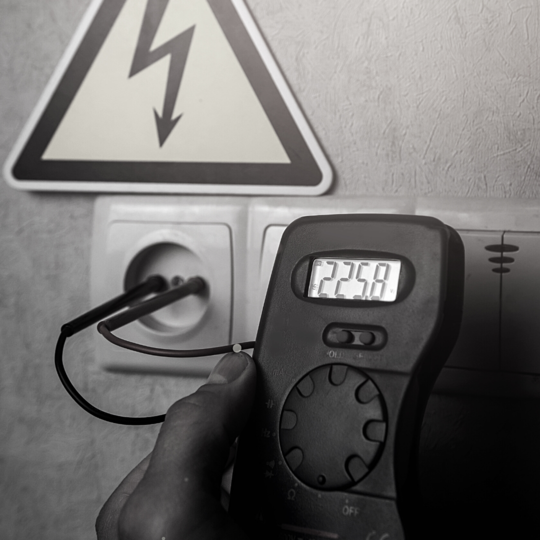
Elektrodrošības grupu (A, Bz, B, Cz, C) apmācība, zināšanu pārbaude un atbilstošu drošības grupu piešķiršana (pamatojoties uz MK not. Nr. 1041) tiek veikta sadarbībā ar akreditētu profesionālās tālākizglītības un profesionālās pilnveides izglītības iestādi "Mācību centrs MAGNUM".
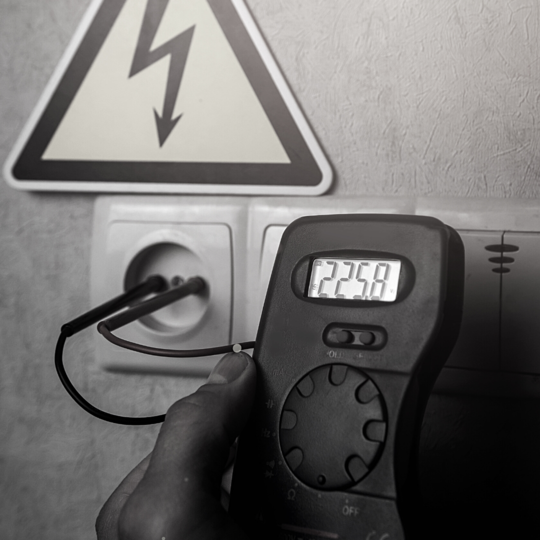
Elektrodrošības grupu (A, Bz, B, Cz, C) apmācība, zināšanu pārbaude un atbilstošu drošības grupu piešķiršana (pamatojoties uz MK not. Nr. 1041) tiek veikta sadarbībā ar akreditētu profesionālās tālākizglītības un profesionālās pilnveides izglītības iestādi "Mācību centrs MAGNUM".
Ministru kabineta noteikumi Nr. 545 “Pārtikas apritē nodarbināto personu apmācības kārtība pārtikas higiēnas jomā” nosaka apmācības kārtību darbiniekiem, kas strādā ar pārtiku.
Programmas mērķis: iepazīties ar reglamentējošiem Eiropas savienības un Latvijas Republikas normatīvajiem aktiem un to prasībām, pārtikas uzņēmēju pienākumiem un atbildību, pārtikas kvalitātes un nekaitīguma jēdzieniem, vispārīgās un īpašās higiēnas prasībām un pārtikas nekaitīguma nodrošināšanas sistēmas pamatprincipiem.